
Microsoft Copilot AI Agents: What They Mean for Your Business
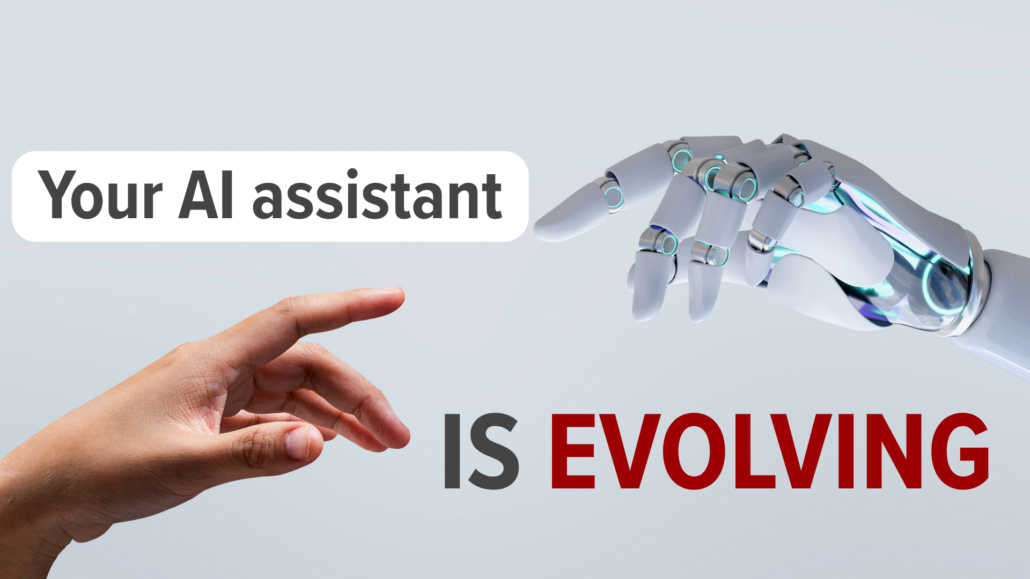
From Assistant to Coworker: Copilot Is Changing Roles
Microsoft Copilot AI agents are the headline feature in Microsoft’s latest update, and if you use Microsoft 365 every day, you’ve probably already noticed Copilot showing up in more places: Word, Excel, Outlook, Teams, all getting a little more capable with each release.
Microsoft rolls these updates out in “waves,” which is really just their way of bundling bigger changes together instead of dropping them one at a time.
We’re now in the latest wave. And this one feels different.
From Helping You to Doing It For You
Early versions of Copilot were built to help. Drafting emails, summarizing documents, putting together a presentation outline. Useful, time-saving stuff, but you were still steering every step.
That’s starting to change. Copilot isn’t just assisting with tasks anymore. It’s beginning to take on real responsibility inside your workflows.
Build Your Own Microsoft Copilot AI Agents
One of the biggest changes in this wave: you can build your own AI agents right inside Microsoft 365.
In plain terms, that means small, task-focused assistants that handle a specific slice of your day. Something that follows a set of rules, manages a repetitive process, and takes action without someone nudging it at every step.
That opens up some real possibilities: an agent that handles routine admin work, keeps documents organized, or supports an internal process that normally eats up someone’s afternoon.
A Chat That Actually Gets Things Done
Copilot’s chat has also gotten more capable. You can now make changes directly to documents, emails, spreadsheets, and presentations from inside the conversation, no more bouncing between five different windows to get one thing done.
Meet “Work IQ”
Microsoft is also rolling out something called “Work IQ.” It’s their attempt to help Copilot actually understand your business, using your company’s data, communication patterns, and internal content to shape more relevant answers.
In theory, that means less generic, one-size-fits-all output, and more support that actually reflects how your team works.
More Models Under the Hood
Microsoft is also expanding the AI models powering Copilot, bringing in technology from other providers. You don’t need to worry about the technical details here. Just know it means the system should keep getting more flexible and more capable over time.
What’s Next: “Copilot Coworker”
Worth keeping an eye on: Microsoft is currently testing something called “Copilot Coworker.”
It takes the AI agent idea a step further, letting an agent carry out longer, multi-step processes instead of just responding to one request at a time. Instead of asking for help with a single task, you’d be able to hand off something bigger and let it run.
More Power Means More Oversight Needed
To go with all of this, Microsoft is introducing tools to help businesses actually manage their agents: visibility into what they’re doing, how they’re being used, and how they fit into the rest of your systems.
That part matters. As Copilot takes on more responsibility, it needs to stay on a short leash.
Let’s Help You Roll This Out the Right Way
If you want help rolling these changes out safely, without opening up risks you didn’t sign up for, get in touch. We’ll walk you through what’s worth using now and what’s still worth watching.
Take Control of Your Tech
Stay up to date with resources and tips our team at Copperband provides. Get the MUST know straight to your inbox!