Prepare Now for Seasonal Holiday Phishing Scams
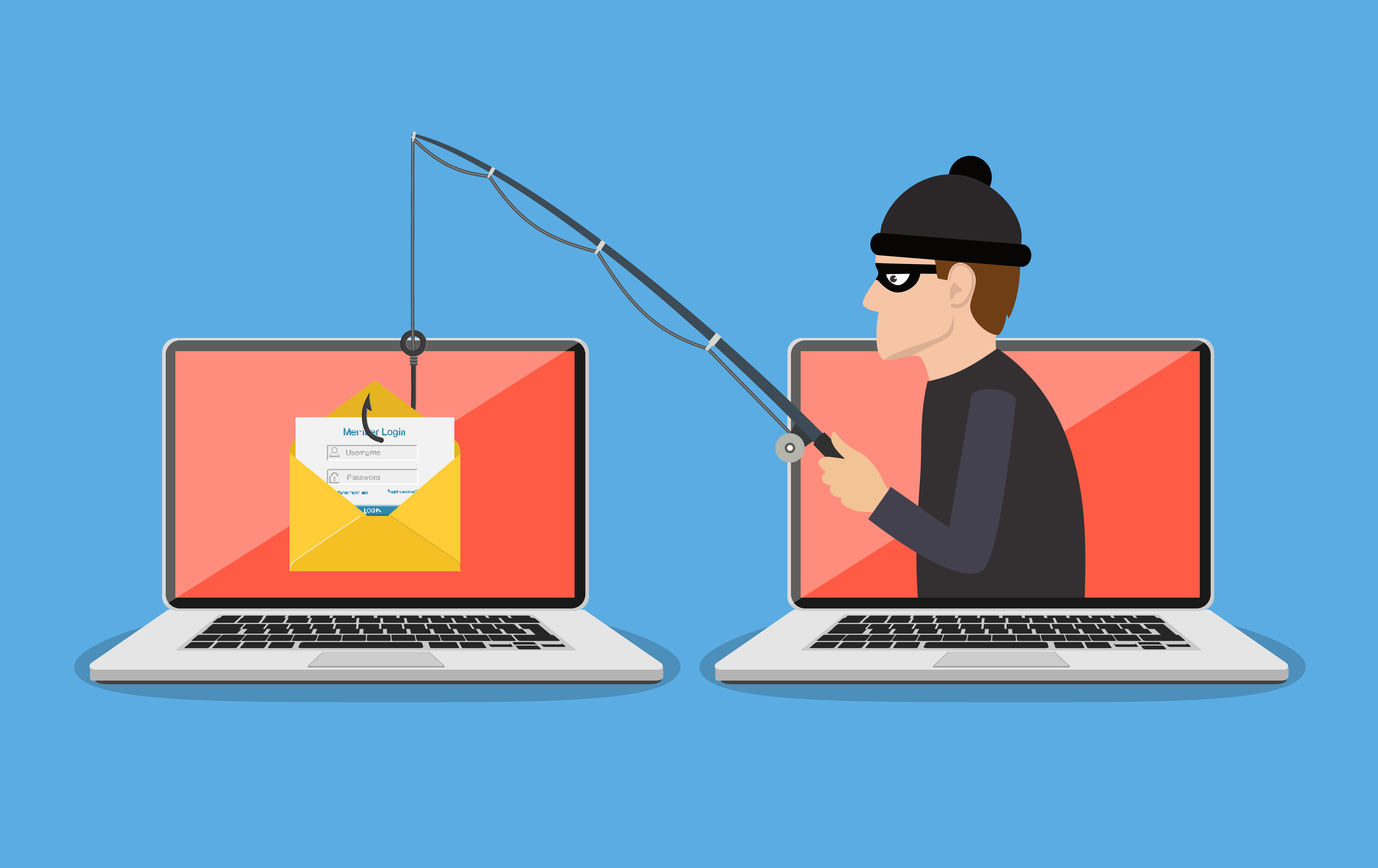
2020 has so far been a dangerous year for cybersecurity. The coronavirus pandemic brought an onslaught of new holiday phishing scams, and heading into this year, phishing was already up by 67% year over year. Now, the holiday season is here, which brings with it a whole new drove of holiday-themed attacks designed to trick users into clicking malicious links or opening malware-laden attachments. Phishing is the biggest threat to business cybersecurity with 94% of all malware being delivered via email. It’s important to stay vigilant when it comes to the phishing protections that you put in place and continue to remind users what to look for in their email inboxes.
Phishing Security
Standard IT security protections against phishing involve taking a layered approach to cover all your bases. Here are several of those vital layers that mitigate data breach risk.
Email Spam/Anti-Phishing Filter
If you can filter out dangerous emails, you reduce the risk of an employee being fooled by an attack. Email spam filters help catch spam and phishing emails before they’re delivered by matching them against common factors for those types of unwanted mail.
Anti-Malware Setting in Platforms Like Microsoft 365
Cloud platforms like Microsoft 365 include settings that help keep you protected from phishing, but many of these settings are not on by default. For example, in Microsoft 365 Business accounts, you can access special settings for:
- Blocking certain types of file attachments
- Blocking links to malicious websites
- Turning off the ability to auto-forward email
DNS Filter
A DNS filter acts as a layer of separation between your browser and the internet. When a URL is typed in or clicked, the DNS filter will check it against databases of known malicious sites. If a dangerous site is detected, instead of sending the user to the page, it will redirect them to a warning page.
User Awareness Training
One of the most important protections against phishing is user awareness training. If you arm your employees with the knowledge of how to avoid phishing attacks and what to look out for, you lower the risk that someone will accidentally fall victim to a phishing email.
Watch Out for These Email Holiday Phishing Scams
Part of your ongoing employee cybersecurity awareness program should be reminding employees of new seasonal phishing attacks that come around during specific times of year. Here are the scams they should watch out for during the holiday season.
Fake Order Emails
Online shopping hits a record pace during the holiday season, which means a flurry of order notices coming in via email. Phishing scammers take advantage of this by increasing the number of fake order email attacks. The recipient can easily be fooled by a spoofed order email designed to look identical to an Amazon order receipt and click the link to a site that automatically downloads malware onto their device.
Bogus Tracking Number Emails
Closely related to the fake order email is the fake tracking email. This is another type of email traffic that increases during the holidays, and it’s easy to become confused about which tracking notices are legitimate, and which are not. One way to avoid falling for this scam is to never click a tracking link in an email. Instead, go directly to the retailer or shipper’s website to check tracking on your known orders.
“Charity” Donation Requests
Another holiday phishing scam you’ll see in many different iterations is the fake charity donation request. They may use the logo of a real charity or a name that’s designed to be a close match. These can be used both to redirect the user to a dangerous website and to steal their credit card details.
Gift Card Purchase Scam
One targeted phishing attack that will usually come in with a spoofed email is the fake gift card scam. Often times, this email will look like it’s from your company. This scam takes a little research on the scammer’s part but can mean a big payoff in gift cards for them. They will typically search on a company’s own site or a site like LinkedIn to find details for a manager and other employees that might be their subordinates. The scam involves the employees receiving an email from a person in the company asking them to purchase gift cards that were “forgotten” for holiday customer gifts. The scam has some common elements:
- The sender states they’ll be unavailable (in meetings or similar)
- A sender needs the gift cards in a short timeframe
- The sender requests gift card numbers
If an employee falls for this scam, they or the company could be out several hundred dollars or more. This scam can come in by email or by text message. Always double check any type of request like this, even if the sender claims they’ll be unreachable.
Get Managed IT Security from Copperband Technologies
Our managed IT security services cover you for multiple types of threats, including phishing attacks. Contact us today to sign up and learn more! Call 931.263.8000 or email us!
Take Control of Your Tech
Stay up to date with resources and tips our team at Copperband provides. Get the MUST know straight to your inbox!